
See It In Action · For organizers running more than a single shift
Projects — Scope, Baseline, and Todos
A real project sits above your volunteer opportunities — a scope statement, a baseline timeline, and a todo checklist for everything recruitment alone doesn't cover.
How it works
The flow, step by step.
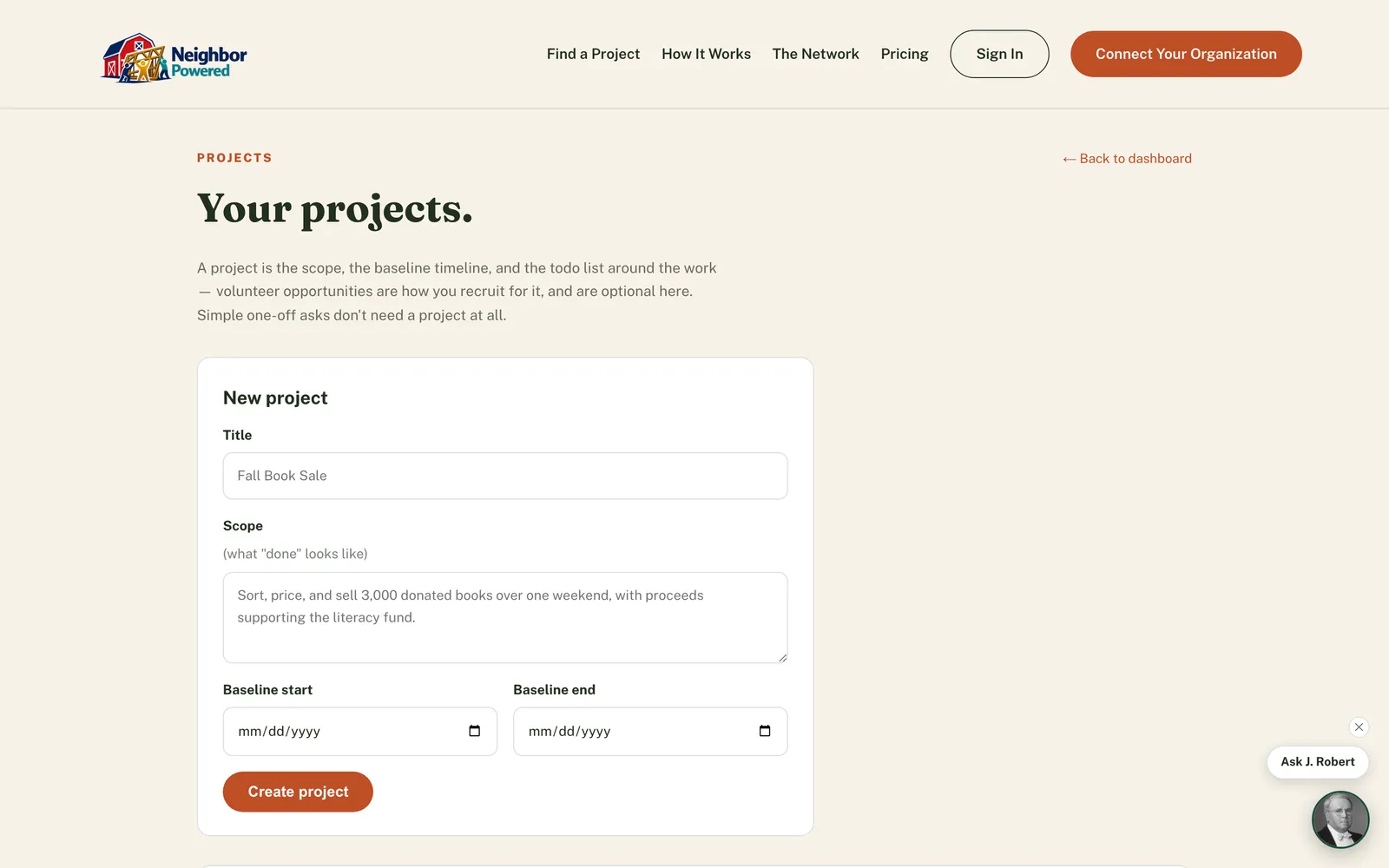
Set the scope and baseline
Give the project a title, a plain-language scope — what "done" actually looks like — and a baseline start and end date: the window you're planning against.
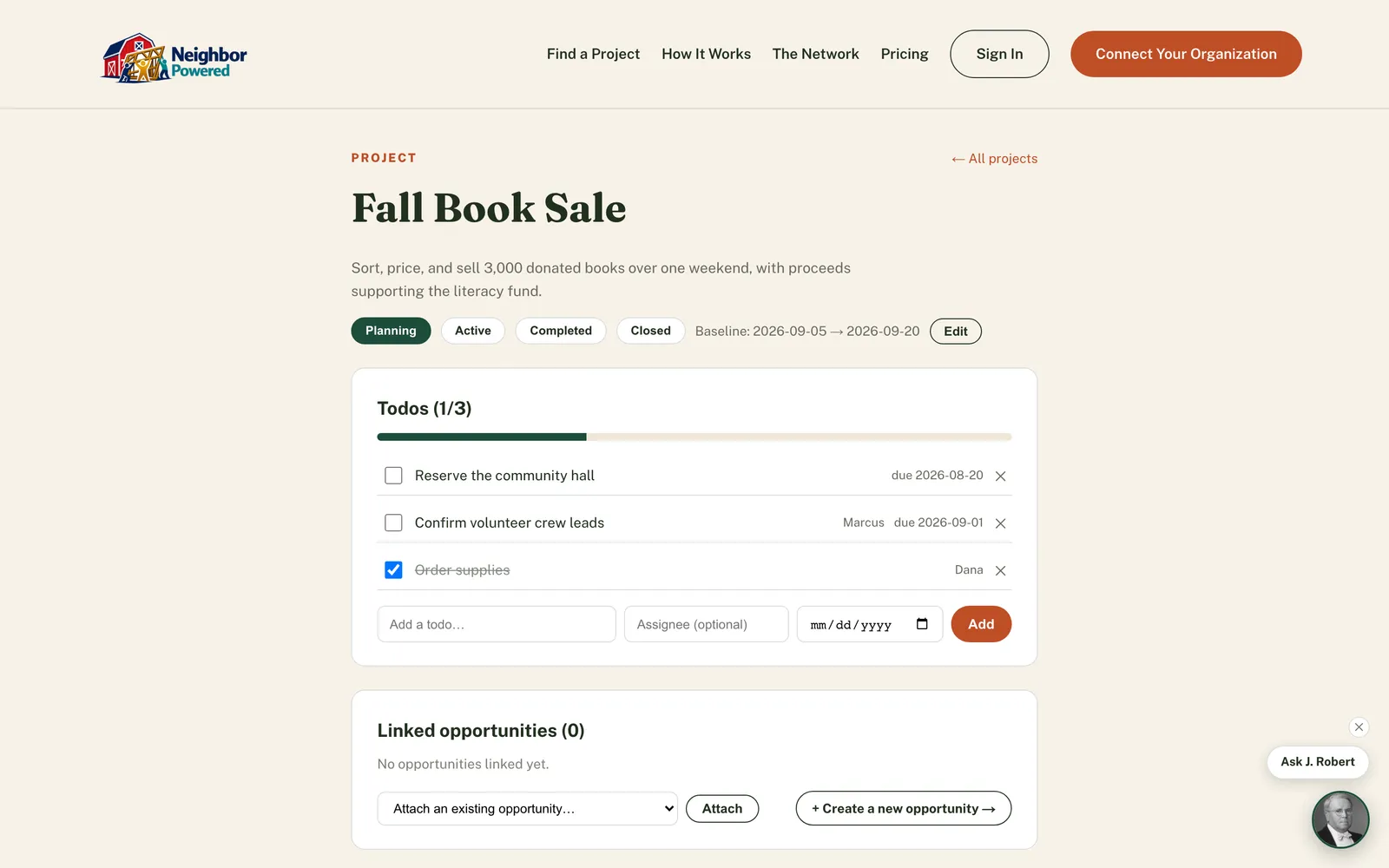
Build the todo list
Add everything the project needs beyond recruitment — permits, supplies, venue reservations, follow-up calls — each with an optional assignee and due date, checked off as they're done.
Attach volunteer opportunities
Link one or more shift-based opportunities to the project, or create a new one already attached. Simple one-off asks still work standalone — a project is there when you need the extra structure, not a requirement for everything.
Why it matters
This is the part of "turn a need into a practical project" that recruitment alone never covered — the permits, the reservations, the follow-up calls that have nothing to do with staffing a shift but still have to happen. Your project's progress lives in one place instead of a sticky note or a mental list only one person carries.